








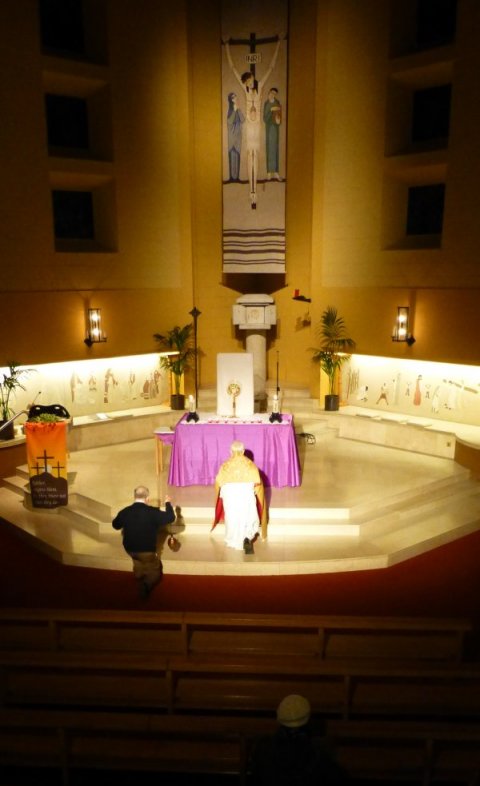
Step 1: Start everything with prayer. If possible attend daily Mass or spend some time in front of the Blessed Sacrament in Eucharistic adoration. Open yourself to the will of the Lord and ask Him to place in your heart a desire for what He wants you to do and to lead you through it.
If the desire remains ask your parish priest for permission to facilitate a course. Introduce him to this website and go through the courses listed under the 'Courses' tab above. You can see previews of many of them by clicking on the web address of the course provider under the heading 'Where to find these DVD and internet-streamed resources'. You can do this now by clicking here, then return to this page later.
Give him time to consider and then go with whatever he says.
If the venue has a smooth blank white or slightly offwhite wall it may be possible to use this instead of a screen. If the course will run during daylight hours check that the brightness of the projection is sufficient and whether the windows need to have curtains or blinds to block out bright sunlight.
Ensure everyone on your team knows what they are doing - whether they are setting up the projector and screen and speakers, setting out the chairs, making and distributing the tea, welcoming people at the door and signing them in, introducing the DVD talk (the Course Facilitator), facilitating the group discussion after the DVD (the Group Facilitators) etc. (see the session program suggestion in step 10 below).
For a brief description of what the Group Facilitators do click here and read the answers on the Frequently Asked Questions page or click here to download the 'Group Facilitator's Profile'.
Step 5: Setup your projection system.
If the group is very small you might consider using a large television. If so skip this step and proceed to Step 6.
If you are using a projector ensure your DVD player will connect to the projector. It is better to play the DVD from a DVD player rather than from a laptop or PC as this avoids interruptions from the computer operating system software (eg. updating notices appearing on screen etc) and DVD players are generally less expensive than laptops. However, if you have a very old projector it may not be possible to connect it directly to a DVD player and you may have to use a laptop instead.
If you are streaming video from the internet you will need a laptop connected to the projector/sound amplifier or you could stream through a smartphone or tablet using a Chromcast device to send the signal wirelessly to the Projector (the projector will need a HDMI input for this). You can also use Chromcast to stream to a television that has HDMI.
We recommend you avoid buying anything unless you are sure you will have a use for it in the future. If you have not facilitated a course like this before and are unsure whether you would like to facilitate any further courses it is better to borrow the equipment instead of buying it. Start with whatever projector is available to you. If you do eventually decide to buy a projector and have lots of money to spend we think the ideal projector for this purpose would have (among other things) an HDMI input, be capable of projecting a 1080p HD image, have internal stereo speakers of about 10W each (for small venues), a stereo audio output socket (to connect to external amplified speakers for larger venues) and a brightness of at least '2000 lumens' - the brighter the better. Bring your DVD player, cables and Chromcast device along with you and explain to the retailer what you want to do. Take a disk along with you and ask him to demonstrate the playing of a DVD using his projector(s). Explain that you might also need an external amplified speaker for the sound (for the larger venues).
While checking out the list of courses ask yourselves:
What age group are we catering for? eg. young adults/mature adults/RCIA candidates/a mixture.
What faith issues are we addressing and what level of knowledge/understanding does the intended audience have?
How many sessions do we want to run the course over? Will there be one session per week? How many sessions/weeks?
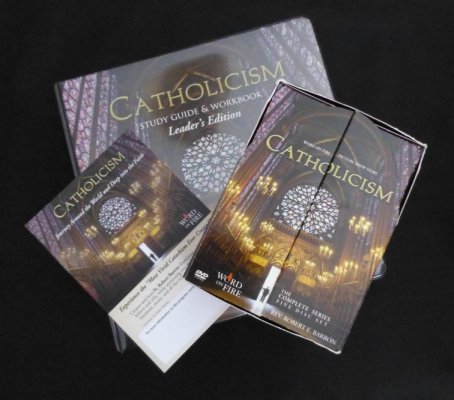
During which liturgical season(s) will it run (Advent/Christmas/Lent/Easter)? Will the subject of the course and the Mass readings for this season complement one another for greater efficacy? For example Bishop Barron's 'Eucharist' series might be presented during the Easter season when the weekday Mass readings are from John 6, or in the weeks prior to Corpus Christi or weeks 17 to 21 in Ordinary Time Year B. His 'Seven Deadly Sins - Seven Lively Virtues' is recommended for Lent while his 'Catholicism' series may be run anytime.
Will the timing clash with any other programs or events in the parish?
Step 8: Make a list and buy the tea, coffee, biscuits, milk etc you will need for the first session. Buy some large sticky labels for use as name badges.
Step 2: If he agrees, decide together on what course.
Step 9: Make out an Attendance Sheet for the participants to sign-in as they arrive (or download one here).
Do you need a team to help facilitate the course? If so spend some time in prayer asking the Lord to provide you with good capable prayerful people of like mind who are easy to work with. When the course DVDs arrive (if you are not using internet-streaming) you might consider viewing them together in a 'dress rehearsal' before opening it up to the larger group. This can be a useful opportunity to test the venue and its facilities and to try out the DVD/projector/sound system/internet-streaming at the venue.
Display the posters on all the parish notice boards, in other places around the parish and in the parish newsletter. Encourage people to attend but tell them that spaces are limited to the size of the venue and that they need to contact you in advance to reserve a place. This will give you a better idea of how many to expect and enable you decide whether you need to order more Student Course Books.
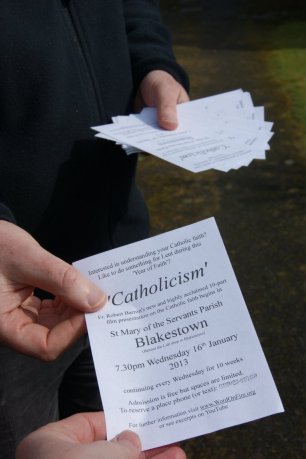
In addition to the posters you can make your own advertising flyers (click here) and hand them out at the door after Masses. Invite the participants to bring a Catholic Bible and a copy of the Catechism of the Catholic Church (or they can read the CCC online on their smartphone).
If you know someone who already has the course ask if you can borrow it for the duration. Otherwise purchase a copy from the distributor or another store. Click the 'Courses' tab above and find a link to the distributor (note that Courses for Catholics does not sell anything, nor do we seek any donations or subscriptions - we simply recommend good courses that may be purchased elsewhere).
Step 3: When you have decided which course to facilitate ask yourselves:
How many participants can we expect?
Do we have the use of an appropriate venue for the period/dates/times? Does the venue come free of charge or do we have to pay for it? Can we offer the course completely free of charge or will we need to ask for donations? Do we need to charge for Student Course Books?
Does the venue have tea/coffee making facilities? Do we need to bring kettles, mugs etc?
Does the venue already have a projector and sound system capable of playing movie films from DVDs? Does the venue have broadband wifi that is fast enough for video internet-streaming? Do we have access/passwords etc?
Do we need to borrow or buy a projector and screen (and perhaps an amplified speaker) capable of playing DVDs? Does the venue have a blank white or slightly offwhite wall suitable to project upon instead of a screen? Will the sessions be held during daylight hours or after dark? If during daylight, do the windows need to have curtains or blinds to block out bright sunlight?
8pm. Participants arrive and are welcomed, they sign in, receive a Student Course Book, a name badge and a prayer card and take their seats.
8.10pm. The Course Facilitator welcomes everyone, thanks those who made the evening possible and introduces the course. He/she reminds participants of how many sessions there are in the entire course and that following the DVD presentation (which lasts so many minutes) they will form groups of 6 to 10 persons to go through the relevant parts of the student course book together with a Group Facilitator.
Step 12: Return to the Blessed Sacrament for Eucharistic adoration in thanksgiving for the course.
Step 11: Following the first session of the course the team might like to discuss the experience - what worked well, what could be improved for the next session etc.
_______
Please note that this step-by-step guide is intended to help facilitate Catholic faith formation courses for adults. If your group is to include children or teenagers you must ensure that you adhere to child protection legislation and procedures and ensure that everyone involved has been satisfactorily vetted by Garda or Police vetting procedures.
Please also note that Courses for Catholics does not sell anything nor does it seek any payments, donations or subscriptions. This step-by-step guide, above, and the other contents of the Courses for Catholics website and its downloads is offered 'as is' free of charge on the understanding that users of this website must accept that this guide and the contents of the website and its downloads do not cover every detail or eventuality and that users may occasionally experience unforeseen problems - please click the 'Disclaimer' tab above and read our Website Disclaimer.
Step 7: Advertise the course.
Have the course announced at all the Masses from at least two or three Sundays in advance. People need time to decide whether they are interested in attending.
Step 10: When the evening (or morning) of the first session arrives you may follow this or a similar programme:
7pm. The team arrives at the venue and sets up the projector, screen and sound and tests it with the course DVD or streaming device. They set out the chairs, fill the kettles, set out the Attendance List with pens and participant name badges near the entrance.
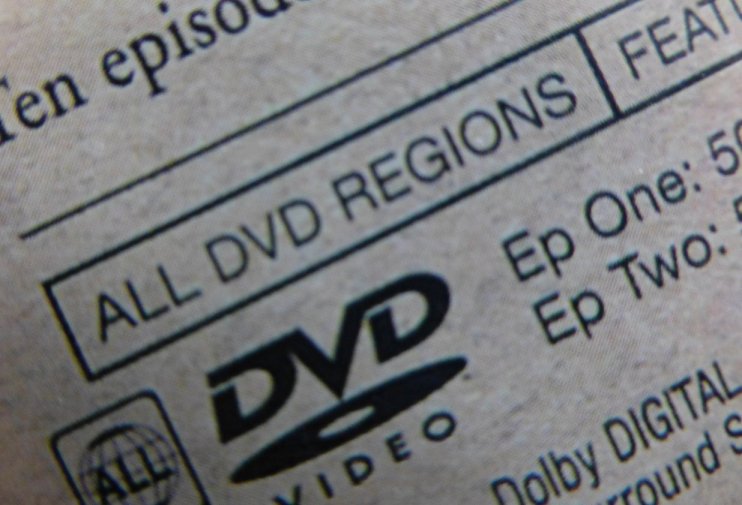
If you are using DVDs check that the disks will play in your region (Region 1 = North America, Region 2 = Europe etc) or better that it is a multi-region DVD disk or that you have a multi-region DVD player that will play disks for all regions.
Step 4: Borrow or purchase the course.
Ensure you have enough Group Facilitators to chair the group discussions after the DVD - you will need one such person for each group of 6 to 10 participants. Ensure each Group Facilitator has a Catholic Bible, a copy of the Catechism of the Catholic Church, and a copy of the Course Book Answer Key and that they are familiar with the answers and with any relevant verses of Sacred Scripture and paragraphs from the Catechism of the Catholic Church prior to the start of the each session.
This can include name, email address, mobile phone number and permission to include the participant in a WhatsApp group. The mobile numbers will be very useful if you have to cancel or postpone one of the presentations and need to contact the participants at short notice. You might create a WhatsApp group for this and use it later to advertise future courses. Write the venue and date on top of the Attendance Sheet for future reference.
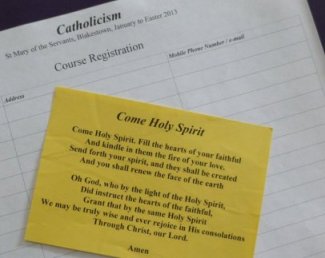
Print out some Prayer Cards (you may download a prayer card here )
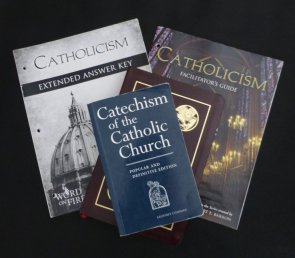
Read the reviews and view the previews and ensure you are familiar with all the components (DVDs, student study guide, facilitator's guide, answer key, posters etc) that you will need to advertise and facilitate the course. All these can be found in the course provider's websites linked to under the 'Courses' tab above.
The Course Facilitator then invites everyone to recite the prayer on the prayer card together.
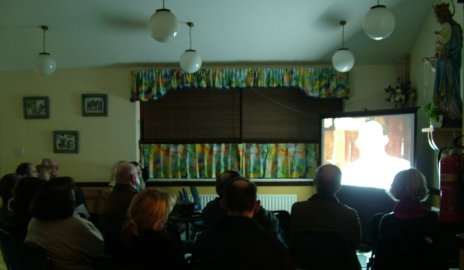
8.15pm. The DVD presentation is then viewed with the lights turned down to enhance the effect.
About 10 minutes before the DVD is due to finish the filled kettles are switched on.
9.15pm. (or earlier, depending on the length of the DVD presentation) When the DVD presentation has concluded the Course Facilitator identifies the Group Facilitators (they might be distinguished by a different colour name badge) and invites everyone to form groups of 6 to 10 persons around them.
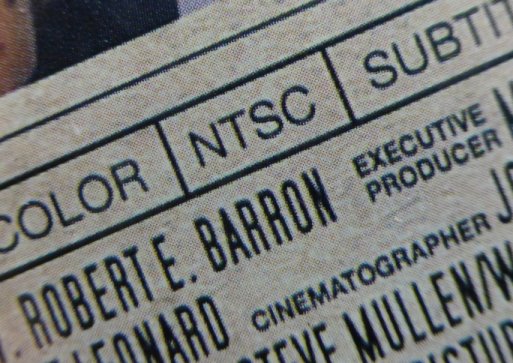
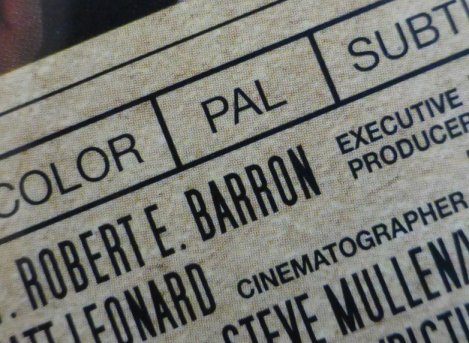
Also check that you are ordering the correct format (NTSE or PAL) or better use a multi-format DVD player that will play both formats. Ensure you have ordered all the relevant DVDs and course materials and that they will arrive in good time.
Do we want to run it after the weekday morning/evening Mass? Or over a short few days, perhaps as a weekend summer school? (As there is a risk of overloading the participants, the summer school approach may work only for short courses of 3 or 4 presentations/sessions.)
You can download a PDF version of this Step-by-Step Guide or the entire website Summary Leaflet Here.
Step 6: 'Dress Rehearsal' - Try everything out at the venue.
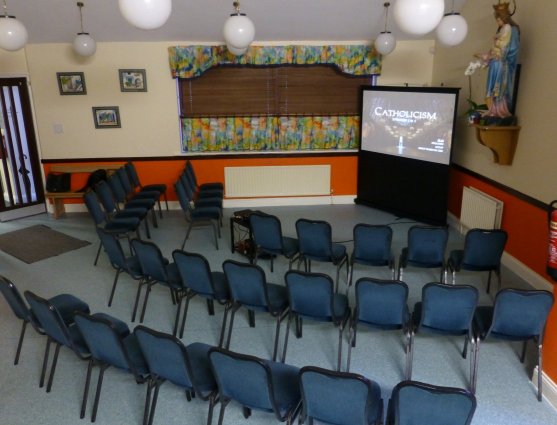
Whether you are using a DVD player connected to a projector (with or without an external amplified speaker), a laptop connected to a projector, a smartphone or tablet connected wirelessly via a Chromcast device to a projector or TV or a DVD player connected to a large TV try the arrangement out at the venue. Decide where the seats and the screen will go, ensure the volume is sufficient for the room, that you have enough extension leads from the power sockets etc and that it is a safe arrangement.
While participants are forming groups and moving their chairs into circles other team members prepare the tea and coffee and biscuits which is then delivered to the newly formed groups (do not take a break in the proceedings for the tea - it is very difficult to get everyone to sit down again).
The Group Facilitators then go through the relevant parts of the student course book as the group discusses the content of the video presentation.
9.45pm. The Course Facilitator announces that it is time to finish. At the final session the Course Facilitator asks for 'feedback' from the participants and passes around feedback questionnaires (download the Feedback Questionnaire here).
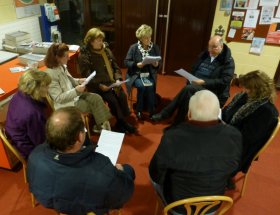
(N.B. In feedback, participants have consistently told us that the group discussion is one of the most important and enjoyable parts of the course. It is essential to give everyone an opportunity to talk about their faith - they may never have had such an opportunity before - and to listen to others in an encouraging and affirming small group setting).
Follow these easy steps....
